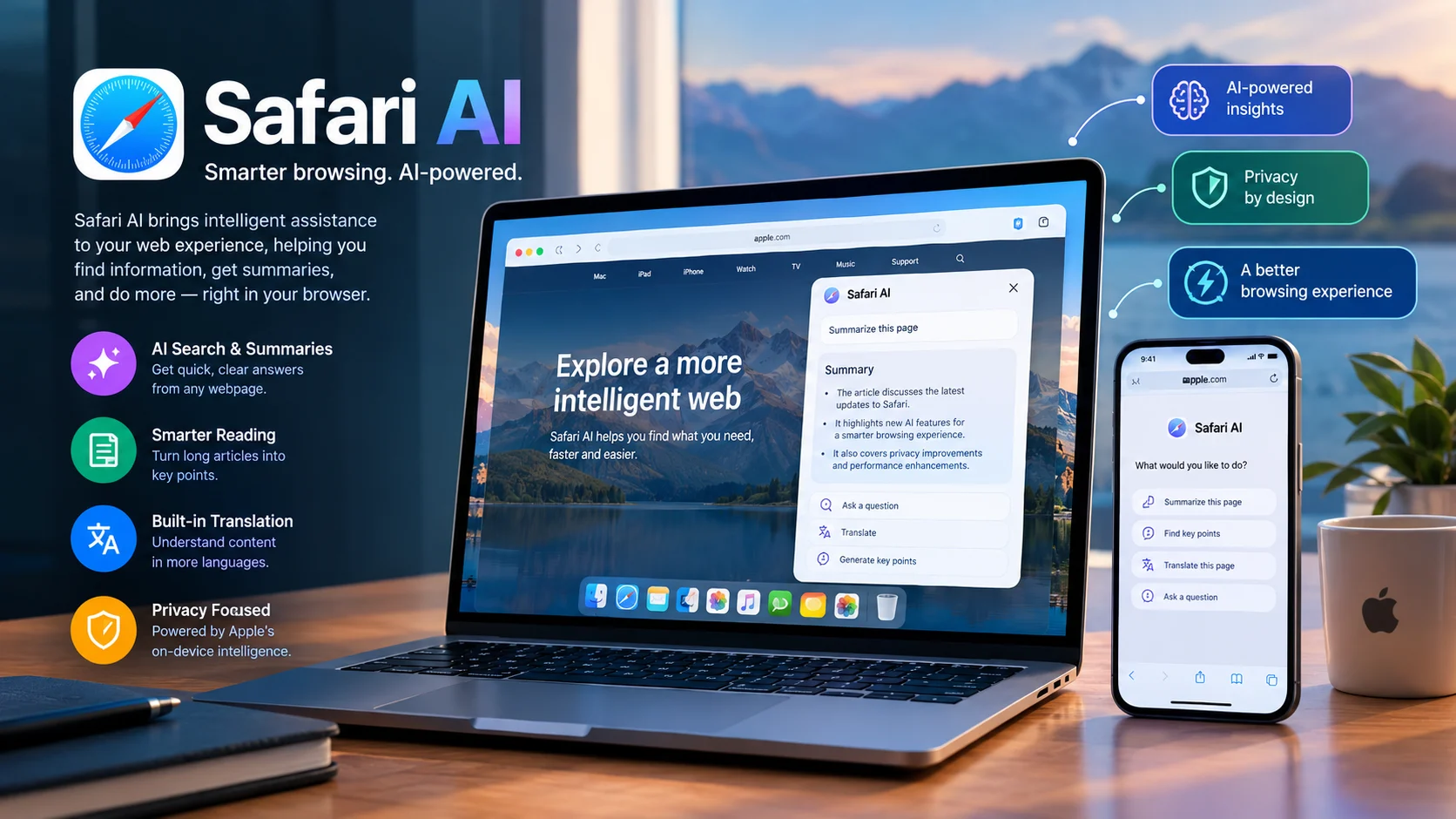
Quick Answer: Safari AI is a business intelligence platform that uses computer vision to analyze existing camera feeds and help organizations monitor crowds, queues, occupancy, and operational performance in real time. Unlike Apple’s Safari browser, this enterprise AI solution focuses on turning video footage into actionable insights, alerts, and operational recommendations.
Safari AI at a Glance
Purpose
Convert existing IP camera feeds into operational intelligence using computer vision.
Core capabilities
People counting, queue monitoring, occupancy analysis, crowd movement, and real-time alerts.
Target users
Stadiums, theme parks, retailers, restaurants, ski resorts, and commercial property operators.
Pricing
Contact the provider for a tailored quote. Third-party software listings also report trial availability.
Security consideration
Review video handling, retention, access controls, and contractual privacy terms before deployment.
Main distinction
This is a physical-operations AI platform, not an Apple browser feature or a general-purpose chatbot.
Editorial note: This article distinguishes provider-published capabilities from independently verified facts. Features, commercial terms, and availability can change.
What Is Safari AI?
Safari AI is an enterprise software platform developed to help organizations understand what happens inside and around their physical locations. It uses computer vision, a branch of artificial intelligence that interprets images and video, to transform camera feeds into measurements that operations teams can use.
The official website, Safari AI, describes a platform that measures activity, raises alerts, recommends responses, and helps teams evaluate operational outcomes. Its approach focuses on operational decisions rather than simply recording video or displaying dashboards. Vision AI for Physical Operations+1
For example, a stadium operator may need to know whether an entrance is becoming overcrowded. Safari AI can analyze camera feeds to estimate queue conditions and provide information that helps staff respond.
This makes the platform relevant to organizations where crowd movement, customer flow, capacity, and staff deployment directly affect service quality or revenue.
Safari AI is not the same as Apple’s Safari browser
The keyword “Safari AI” can refer to different products, which creates confusion in search results.
- Safari AI by getsafari.ai: An enterprise computer-vision and physical-operations platform.
- Apple Safari with Apple Intelligence: Apple’s browser can use supported Apple Intelligence features to summarize webpages on compatible devices and software versions. Apple Support
- Other similarly named products: Some third-party services use Safari or SafarAI in their names for unrelated applications, including travel planning. Your AI Travel Concierge+1
This article focuses on the enterprise platform at getsafari.ai.
How Does Safari AI Work?
Safari AI combines camera infrastructure, computer-vision models, operational measurements, and alerting workflows. Its stated architecture processes live video on an on-premises edge server, then sends operational metadata to the cloud for business metrics. Safari AI+1
1. Connect existing cameras
The system connects to compatible CCTV or IP cameras. Organizations may not need to replace their existing camera network, although server and compatibility requirements still need assessment.
2. Analyze video locally
Computer-vision models identify relevant activity, such as people crossing entrances, queues forming, or occupancy changing.
3. Turn activity into measurements
The platform converts observed activity into metrics such as footfall, wait times, occupancy, and movement patterns.
4. Trigger alerts and recommendations
When configured conditions are met, the system can alert teams and recommend operational responses.
5. Evaluate the result
Teams can compare operational measurements before and after an intervention to assess whether it helped.
Simplified workflow based on the provider’s published description. Actual configurations and available actions depend on deployment.
What makes this approach different?
Traditional CCTV primarily helps people review footage, investigate incidents, or observe activity manually. Analytics software can automate some counting and reporting, but staff may still need to interpret the results and decide what to do.
Safari AI aims to connect these stages. Instead of stopping at a chart showing a long queue, its Action Center is designed to surface the issue and recommend a response.
That distinction matters most in busy environments where conditions change quickly. However, recommendations still need appropriate operational rules, reliable measurements, and staff who can act on the information.
Key Features of Safari AI
The following capabilities appear in Safari AI’s published product information. Exact availability may depend on the selected measurements and deployment.
1. People counting and footfall analytics
People counting measures how many people enter, leave, or move through a defined area. Businesses can use these figures to understand visitor traffic across different times and locations.
Retailers, for instance, can compare hourly footfall with sales data. Venue operators can monitor entry patterns before, during, and after events.
Safari AI publishes accuracy claims on its website, including claims of more than 99% accuracy for pedestrian counts on its throughput page. These are vendor-reported figures, not a guarantee for every camera, environment, or installation. Safari AI
2. Queue and wait-time monitoring
Long queues can reduce customer satisfaction and place pressure on staff. Safari AI offers queue-related analytics designed to help operators identify delays and respond to changing demand.
A restaurant might use these measurements to recognize a buildup at the pickup counter. An amusement park could monitor queues at popular attractions and redirect staff when conditions require attention.
Results depend on camera placement, visibility, queue layout, and how wait time is defined.
3. Occupancy and crowd intelligence
Occupancy analytics estimates how many people are present in a particular area. Crowd intelligence adds information about how those people move and where congestion develops.
These insights can help venue managers monitor capacity, identify bottlenecks, and plan staffing. They can also help compare visitor patterns across entrances, floors, or event zones.
Occupancy estimates should not automatically be treated as certified safety counts. Organizations must validate the system against their specific operational and regulatory requirements.
4. Spatial intelligence and dwell time
Dwell time describes how long people remain within a defined area. Spatial analytics can help operators identify locations that attract visitors and areas that people pass through quickly.
For example, a museum could compare engagement across exhibits. A shopping center might investigate why a particular zone receives substantial foot traffic but generates limited customer engagement.
These measurements can support layout decisions, although they do not automatically explain why a visitor behaved in a particular way.
5. Alerts and operational recommendations
Safari AI describes an alerting system that monitors configured thresholds and sends notifications through supported channels. Its published FAQ lists options including email, text, robocalls, applications, Power BI, and APIs. Safari AI
The practical value comes from connecting a measurement to a defined response. An alert about rising occupancy, for example, becomes more useful when the responsible team knows which procedure to follow.
6. Business intelligence integrations
The company describes integrations and data delivery through dashboards, scheduled exports, and REST APIs. Published materials mention platforms such as Microsoft Power BI, Tableau, and Snowflake. Real-Time Capacity Analytics — Safari AI+1
These connections can help organizations combine camera-derived measurements with sales, staffing, and other business data. Before purchasing, teams should confirm which integrations are native, which require development, and whether their required data fields are available.
Main Use Cases: Who Can Benefit From Safari AI?
Safari AI is most relevant to organizations that operate physical spaces and already have camera infrastructure. Its value depends on whether better visibility can improve a measurable business process.
AI-Based People Counting System & Analytics Software
Retail stores and shopping malls
Monitor visitor counts, occupancy, movement patterns, and time spent in different areas. Retail teams can compare footfall with sales or staffing levels to identify operational opportunities.
Melbourne Demons AFL Premiership Celebration
Stadiums and event venues
Observe entry flows, queue conditions, and crowd distribution. Operations teams can use these signals to identify congestion and coordinate staff during peak periods.
Family Theme Park Days: Your Ultimate UK Queue-Busting Guide – Whizzer
Theme parks and attractions
Compare waiting times across attractions, monitor visitor distribution, and understand how guests move through the venue. Managers can use these insights to review staffing and guest-flow decisions.
Record openings lead to record revenue at Tortilla – News
Quick-service restaurants
Monitor customer flow, drive-through activity where supported, and queue buildup. These measurements can help managers investigate delays and align staffing with demand.
Megh PI | Cloud Workforce Management Platform | Mantra Softech
Commercial real estate and facilities
Understand space utilization and occupancy patterns. Property teams can use this information to review how common areas and facilities are used throughout the day.
Safari AI also identifies other potential markets, including ski resorts, museums, logistics operations, and parking environments. Gartner Peer Insights+1
Benefits of Safari AI for Businesses
The strongest reason to consider Safari AI is the opportunity to turn existing camera infrastructure into a source of measurable operational data.
Better operational visibility
Managers cannot always observe every entrance, queue, or customer area at once. Automated analytics can provide a more consistent view of activity across multiple zones and locations.
This is especially useful during busy periods, when manual observation may miss developing bottlenecks.
Faster responses to changing conditions
Real-time measurements and threshold-based alerts can help staff respond before a small delay becomes a larger problem. The benefit depends on alert quality, notification speed, and the team’s ability to take action.
Potential savings on hardware
Safari AI says its system can work with existing compatible cameras, using an on-premises server for local processing. This may reduce the need to replace an entire camera network. However, organizations should still budget for server hardware, installation, integration, and ongoing support. Real-Time Capacity Analytics — Safari AI+1
More useful business reporting
Footfall and occupancy data become more valuable when combined with sales, staffing, or service records. Integrations can help teams investigate performance across different sites rather than relying on isolated camera reports.
Measurable operational improvements
Businesses can compare baseline performance with results after making a change. For example, a venue could measure queue times before and after adjusting staffing levels.
This does not prove that AI alone caused an improvement. Reliable evaluation requires consistent measurement, clear comparison periods, and attention to other factors affecting the result.
Safari AI Pricing: What Does It Cost?
Safari AI does not publish a standard price list on the main product pages reviewed for this article. Its website describes pricing based on the number of cameras, locations, and analytics measurements required. Prospective customers need to request a tailored quote. Real-Time Capacity Analytics — Safari AI+1
The provider’s current pages advertise a 30-day pilot, with no credit card required. Some pages contain inconsistent references to a 90-day pilot, so buyers should confirm the actual trial duration and terms directly before signing up. Safari AI+1
What affects the total cost?
| Cost factor | Why it matters |
|---|---|
| Number of cameras | More feeds may increase subscription and processing costs. |
| Number of locations | Multi-site deployments may require additional setup and administration. |
| Analytics selected | Occupancy, queue monitoring, dwell time, and vehicle analytics may affect the quote. |
| Server requirements | Local video processing requires suitable hardware and installation. |
| Integrations | Connecting existing reporting systems may require configuration or development. |
| Support and maintenance | Ongoing support, model calibration, and infrastructure maintenance affect long-term costs. |
These are purchasing considerations, not a published breakdown of Safari AI’s fees.
How to evaluate the price
Ask the provider for a written proposal covering subscription charges, hardware, onboarding, integrations, support, and renewal terms. Also clarify whether additional cameras or analytics incur separate charges.
Most importantly, establish the financial value of the problem you want to solve. A reduction in queue time or improved staffing allocation may justify the expense, but only if the results are measurable and meaningful to your business.
Privacy and Security: What Should Buyers Know?
Camera analytics deserves careful scrutiny because video can contain identifiable people, vehicle registration plates, and sensitive information about movement patterns.
Safari AI states that video is processed locally on an edge server and that operational metadata is sent to the cloud. Its FAQ also says a limited set of encrypted images and video clips may be transferred to an external database for model development and accuracy validation. The company reports SOC 2 Type II certification. Safari AI+1
These details are relevant, but they do not eliminate the need for a customer-side privacy assessment.
Does local video processing mean no video is retained?
No. Local processing describes where the primary analysis takes place. It does not necessarily mean that no images or clips are transmitted, stored, or used for other purposes.
Before deployment, ask the provider:
- What video, image, and metadata are collected?
- Which images or clips may leave the premises?
- How long is each data category retained?
- Can customers opt out of model-development or accuracy-validation uses?
- Who can access stored footage and derived information?
- Where is data stored, and which subprocessors can access it?
- Can the organization request deletion and verify that it occurred?
Request written answers in the contract or applicable data-processing agreement.
What does SOC 2 Type II mean?
SOC 2 Type II is an independent examination of controls relevant to specified trust-service criteria over a period of time. It can provide useful evidence about an organization’s control environment.
However, SOC 2 does not automatically establish Zero Data Retention (ZDR), nor does it guarantee that every deployment meets every customer’s legal or security requirements.
Ask for the current report, its scope, the covered services, and any exceptions relevant to your use case. Also confirm encryption, identity management, access logging, incident response, and deletion policies.
Is Safari AI suitable for privacy-sensitive environments?
It may be suitable where the system’s data practices meet the organization’s requirements. However, regulated facilities, public venues, and businesses handling sensitive footage should assess legal obligations before deployment.
A local-processing architecture can reduce some data-transfer exposure. It should not replace a full review of retention, access, consent, signage, and applicable surveillance laws.
Safari AI Limitations and Technical Considerations
Safari AI’s published feature set addresses several real operational challenges. Still, organizations should test its performance in their own environments rather than relying only on product descriptions.
1. Accuracy depends on the environment
Camera angle, lighting, image quality, crowd density, and obstructions can affect computer-vision results. A system that performs well at a clear entrance may behave differently in a dimly lit queue.
The provider describes calibrating models against manual counts during deployment. Buyers should request documented acceptance criteria and test representative busy and quiet periods. Safari AI
2. Existing cameras may need additional infrastructure
Using existing cameras does not necessarily mean a deployment requires no new hardware. Safari AI describes an on-premises server for local processing, and some camera views may need adjustment or additional coverage.
Confirm compatibility, network capacity, installation requirements, and ongoing maintenance before estimating savings.
3. Integrations need technical validation
The company describes REST API access and integrations with business intelligence platforms. Nevertheless, an advertised integration does not guarantee that every desired workflow is available without customization.
Technical teams should verify data schemas, API authentication, update frequency, rate limits, error handling, and the cost of maintaining integrations.
4. Alerts need clear operational rules
An alert can identify a condition without resolving it. Staff need defined responsibilities, escalation paths, and procedures for acting on recommendations.
Poorly configured thresholds may generate excessive notifications or miss important changes. A pilot should measure false alarms, missed events, response times, and staff adoption.
5. Business value must be demonstrated
A higher count of visitors or a more detailed dashboard does not automatically improve revenue or reduce costs. Organizations need to connect analytics to decisions and measure the results.
For a fair evaluation, establish a baseline before deployment and compare results using the same definitions and measurement periods.
Safari AI Alternatives and Competitors
Safari AI competes in a broad market that includes people-counting applications, occupancy sensors, retail analytics platforms, and venue-focused crowd intelligence systems.
The most useful alternative depends on the problem you need to solve. A small store that only needs entrance counts has different requirements from a stadium that needs crowd-flow analytics and operational alerts.
| Platform | Target user | Key strength | Pricing transparency | Main consideration |
|---|---|---|---|---|
| Safari AI | Large venues, retailers, restaurants, and multi-site operators | Camera-based operational analytics and alert-driven workflows | Custom quote | Requires deployment assessment and validation |
| AXIS People Counter | Stores, libraries, gyms, and facility operators | Entrance counting and occupancy estimates through compatible Axis cameras | Check current licensing and camera costs | More focused on counting and occupancy than broader operational workflows |
| RetailNext | Retail chains and shopping centers | Retail traffic analytics and store-performance measurement | Request a vendor quote | Evaluate fit for your specific camera and retail analytics requirements |
| WaitTime | Stadiums and entertainment venues | Crowd density, queue lengths, and wait-time insights | Request a vendor quote | Confirm available integrations and operational automation |
| Density | Offices and corporate real estate teams | Occupancy insights using dedicated sensing technology | Request a vendor quote | Sensor-based approach differs from camera-based analytics |
Safari AI’s published FAQ compares its operational approach with WaitTime and Density. AXIS documents people counting and occupancy capabilities, while RetailNext serves the retail analytics market. Safari AI+2
Pricing transparency in the table refers to public, standardized pricing information, not whether a vendor offers a trial or sales consultation.
Which alternative should you choose?
- Choose Safari AI for evaluation if you need camera-based analytics across multiple operational areas, especially where alerts and recommended actions are important.
- Evaluate AXIS People Counter if entrance counting and occupancy estimates are your main requirements and you use compatible Axis cameras.
- Consider RetailNext if retail traffic and store-performance analytics are central to your project.
- Compare WaitTime if your primary use case involves crowd movement and queues at sports or entertainment venues.
- Evaluate Density if workplace occupancy is the main objective and a sensor-based system suits your environment.
These are starting points, not a universal ranking. Request demonstrations using representative data and compare total cost, measurement quality, deployment complexity, and privacy requirements.
Who Should Use Safari AI?
Safari AI is worth evaluating when an organization has substantial physical traffic, compatible camera infrastructure, and a clear operational problem to solve.
It may be a good fit for:
- Venue operations managers who need better visibility into entry queues and crowd movement.
- Retail operations teams that want to compare visitor traffic across stores.
- Restaurant operators who need to monitor service bottlenecks.
- Facilities managers who want to understand occupancy and space utilization.
- Enterprise technology teams that need camera-derived data in existing reporting systems.
On the other hand, small businesses that only need basic entrance counts may find a dedicated people counter more economical. Individual consumers looking for an AI chatbot or an AI-enhanced Safari browser should investigate the relevant product instead.
How to Evaluate Safari AI Before Buying
A structured pilot is more useful than a generic product demonstration. Use this checklist to assess whether the platform fits your requirements.
Buyer evaluation checklist
0 of 7Define the operational problem and the metric that should improve.Confirm camera compatibility, server requirements, and installation costs.Validate measurements against manual counts or another trusted baseline.Test performance during peak traffic, poor lighting, and obstructed views.Confirm API access and the integrations required by your team.Review video retention, model-development data use, and security documentation.Agree on pilot duration, success criteria, support terms, and total pricing.
Copy checklist
A pilot should finish with evidence, not just a positive impression. Compare the measured performance with the baseline, calculate the operational impact, and determine whether the improvement justifies the ongoing cost.
Frequently Asked Questions About Safari AI
1. What is Safari AI used for?
Safari AI analyzes camera footage to measure people counts, queues, occupancy, and crowd movement. Businesses can use these insights to improve staffing and manage visitor flow.
2. Is Safari AI free to use?
Safari AI offers enterprise pricing based on camera count, locations, and selected features. It also advertises a free pilot, so confirm the current trial terms with the provider.
3. Does Safari AI require new security cameras?
Not necessarily. It can work with compatible existing CCTV and IP cameras. However, an on-premises processing server and other adjustments may be required.
4. Is Safari AI secure and private?
Safari AI reports SOC 2 Type II certification and on-premises video processing. However, some encrypted images or clips may be transferred for model development, so review its privacy and retention policies.
5. How is Safari AI different from Apple’s Safari browser?
Safari AI is an enterprise computer-vision platform for analyzing physical spaces, whereas Apple’s Safari is a web browser with support for certain Apple Intelligence features.
Conclusion
Safari AI helps businesses analyze camera footage to understand occupancy, customer movement, and operational performance. As a result, organizations can use these insights to improve staffing and manage physical spaces more efficiently. However, accuracy, privacy, compatibility, and deployment costs should be evaluated carefully. Before investing, run a pilot to determine whether the platform delivers measurable benefits for your business.